Incoming letter
See one letter become one clear action
You scan once. PaperlessHero pulls out the important facts and helps you set the reminder before you forget.
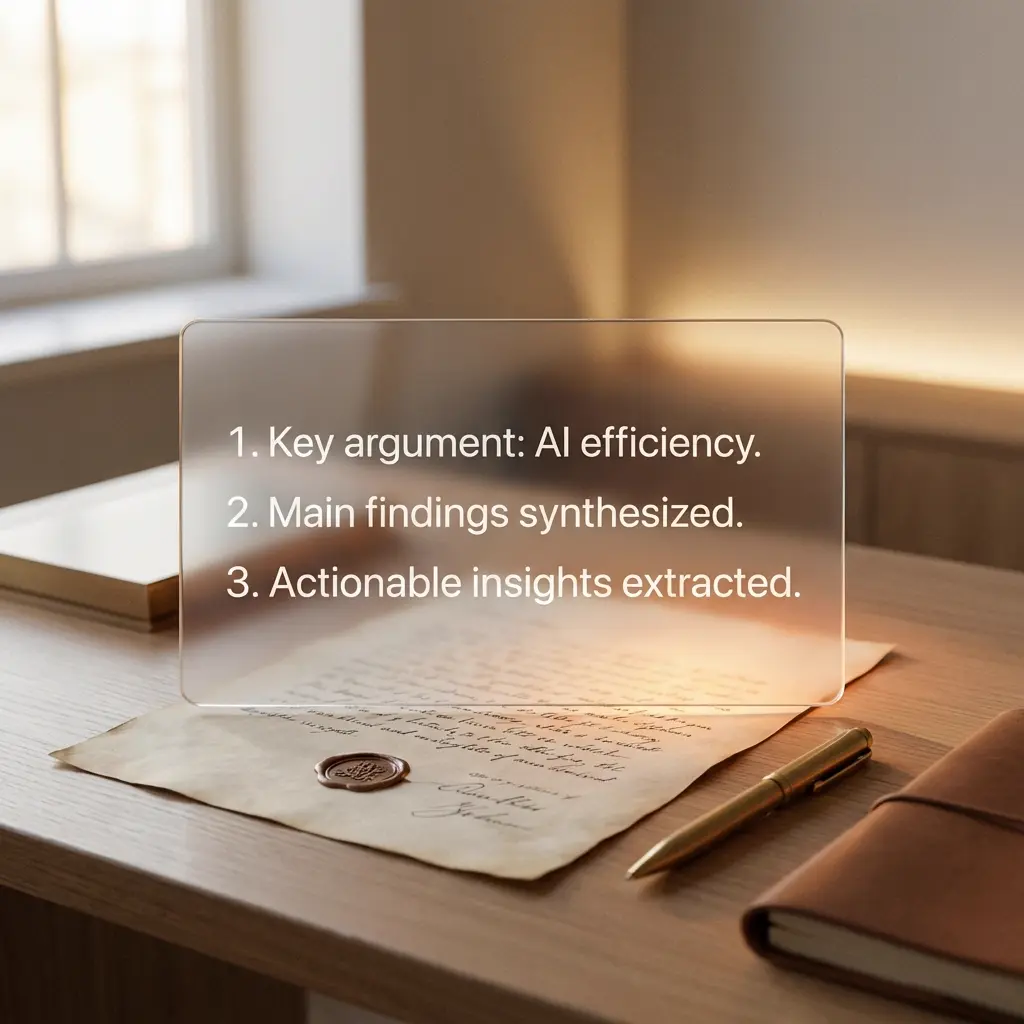
Real workflow: scan the letter, read the summary, set the reminder.
Snap your mail
Use your iPhone camera to capture one or multiple pages in a clean, readable scan.
AI reads for you
AI gives you a short summary, highlights the sender, and surfaces the due date or next step.
One-tap action
Create an Apple Reminder, save the PDF, and keep the document searchable for taxes, bills, and follow-ups.
Mail becomes expensive when it sits around.
An unopened letter is not just clutter. It can turn into late fees, missed forms, and one more thing you keep in your head.
Missed due dates
Late fees and follow-ups
Tax paperwork you cannot find
What you get after one scan
Capture
Snap your mail
Use your iPhone camera to capture one or multiple pages in a clean, readable scan.
Understand
AI reads for you
AI gives you a short summary, highlights the sender, and surfaces the due date or next step.
Act
One-tap action
Create an Apple Reminder, save the PDF, and keep the document searchable for taxes, bills, and follow-ups.
Why people switch to PaperlessHero
Before you download, you need to know three things: setup is fast, your documents stay private, and the app actually saves time.
Will setup waste my time?
Install, scan, done. There is no account wall, no onboarding maze, and no folder system to build first.
Can I trust it with private documents?
Scans stay in your device workflow and can be backed up to your own iCloud storage instead of a random public archive.
Will it actually save me time?
AI surfaces the key facts and likely due dates so you stop rereading a full letter just to find one action item.
Why users keep PaperlessHero on their Home Screen
Real reactions from people using PaperlessHero to stay ahead of bills, paperwork, and admin.
"PaperlessHero turned my scary pile of mail into a calm list of tasks. I finally feel in control."
Sarah M., Designer"The AI summary is a game changer. I don't read the fluff anymore, just the facts."
David K., FreelancerQuestions before you download
Yes. Your files stay in your phone workflow, and processing is transient rather than stored as a document archive on our servers.
Yes. You can scan letters, invoices, and tax paperwork, then find them later with OCR search.
You get 3 free scans every month, so you can test the full workflow before paying anything.
Yes. You can back up your private archive to your own iCloud space.
Yes. Every scan can be shared or saved as a high-quality PDF.
PaperlessHero is built for iPhone and works especially well if you already use Apple Reminders and iCloud.
You can evaluate the whole workflow first. After that, upgrade only if the app is saving you time and reducing paper stress.
Yes. PaperlessHero can combine multiple pages into a cleaner scan so one document stays together in your archive.
Start with the next letter that hits your mailbox.
Try the workflow on your iPhone before another bill, form, or deadline disappears into a paper pile.
No account. No credit card. 3 free scans every month.
Still researching? Compare scanner apps or browse use cases.
Need more proof before you install?
Use these research pages if you are comparing options or buying for a specific workflow.
Compare scanner apps
See where PaperlessHero differs from Adobe Scan, iScanner, Apple Notes, and other alternatives.
Open comparison pagesBrowse use cases
Find guides for freelancers, students, tax season, home organization, and more.
Open use casesRead the guides
Go deeper on paperless workflows, AI scanning, and keeping admin under control.
See all guides